Skill Development
Skills & Achievements
How the tracked guitar skills grow from the exercises you play, and how achievement badges are unlocked.
Skills
The app tracks 23 individual guitar skills (alternate picking, legato, bending, vibrato, chords, scales, rhythm, ear training, improvisation, transcription and so on), grouped under the same four categories used everywhere else: technique, theory, hearing and creativity.
The Skills screen is one big map: a trunk down the middle, seven milestones on it, and every exercise in the library as a single dot on a branch.
The map runs top to bottom, from Foundations through Technique, Theory & Fretboard, Rhythm & Groove, Expression & Style and Ear Training to Creativity, and ends at Mastery. Each milestone fans out into branches named after a skill (Alternate Picking, Legato, Click Hunts, Strumming Patterns…), and each branch is a chain of dots ordered easiest first. A filled dot is an exercise you've played, a hollow dot is still untouched, and a padlock marks a Pro exercise. Exactly one dot on the whole map wears a ring: the exercise you're up to.
Each branch carries its skill's level next to the name, the same number the category summary counts. Two branches that train the same skill show the same level, because it is the same skill split into two stretches of the map.
Hover a dot to see what it is, click it to preview and start it; click a branch name to open the full list for that skill. The card in the bottom corner always holds your next exercise, with a button to start it and another to show where it sits on the map. The list of milestones on one side jumps you to any part of the journey, and the panel opposite keeps the tally of how much of the library you've covered.
Drag anywhere to pan, or use the arrow keys. The plus and minus buttons zoom, as does Ctrl and the scroll wheel, and the fit button brings the whole width back. Open the map after a session and it lands on your next exercise rather than at the top.
Every exercise you complete as part of a logged session feeds the skills it's tagged with. There's no cap and nothing to level up into. A skill is a running total that only ever goes up, so the number is a record of attention paid, not a grade.
The gaps are the point. A branch with one filled dot and eight hollow ones isn't a failing grade, it's a shortlist: those hollow dots are exercises you could do tonight.
The same number is labelled "XP" in the skill list and "Level" on the category summary. It's the same value shown two ways, and nothing is being tracked twice.
Use it as a mirror rather than a target: if theory has barely moved in a month, that's the useful information here, and Practice → Exercises lets you pick a drill for exactly that gap.
Achievements
Achievements are badges. They pay no points and no Fame; they're recognition, not currency.
Each one has its own unlock condition (reaching a streak, logging a certain amount of practice, hitting particular milestones), checked automatically against what you've done.
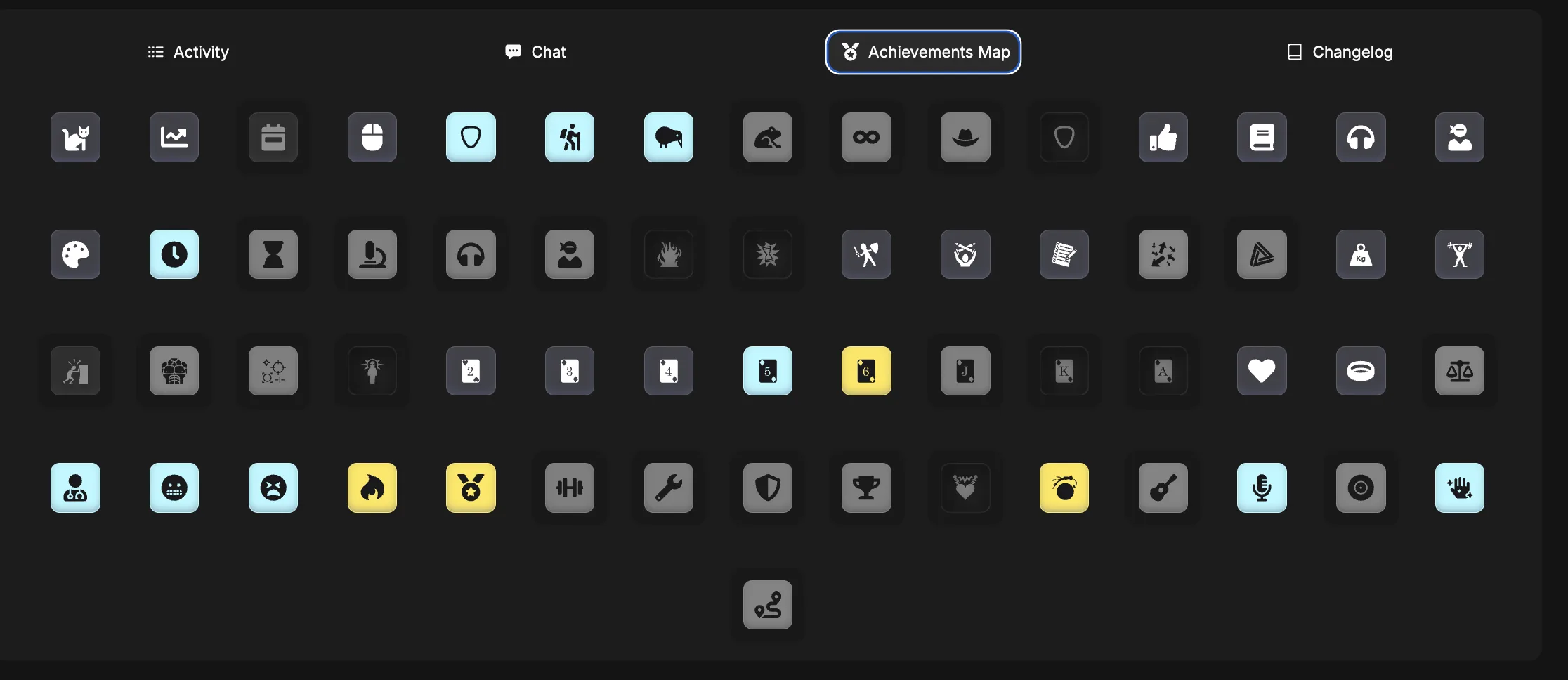
They come in four rarities, shown by the colour of the badge:
The ones most players pick up early
A bit of consistency required
Long-term commitment
Rare enough to be worth showing off
Questions people ask
How do I gain skill XP?
Play the exercises tagged with that skill and log the session. Free-form practice time raises your points, but only exercises feed specific skills
Can a skill go down?
No. Skill totals never decrease
Do achievements give rewards?
No, they're collectible only. Everything you actually spend comes from Fame
Where do I see my badges?
On your profile, alongside your level and stats