On this page
Ultimate Guitar is the most direct Songsterr alternative here for finding another tab or chord chart. Guitar Pro and TuxGuitar are options for working with files you already have. Riff Quest is for practising exercises, importing your own Guitar Pro material and keeping a session history. A file editor or practice app does not automatically replace Songsterr's song catalogue.
Start with the feature that prompted your search. If you need another arrangement, compare sources of tabs. If you want to change fingering or write your own passage, compare editors. If you can already read the passage but rarely practise it, a session plan may be more helpful than another database of songs.
Disclosure: Riff Quest publishes this comparison and appears in the list. Official sources were reviewed on 16 October 2026. This is a documented feature comparison, not a paid-account review, a transcription-accuracy ranking or a test of audio latency. The list follows use cases rather than measured scores.
Quick Comparison of Songsterr Alternatives
| Option | Best use | Where material comes from | Access model | Main limitation |
|---|---|---|---|---|
| Songsterr (reference) | Finding a song and following its tab | Online catalogue | Basic access plus paid Plus controls | Advanced controls and downloads are part of the paid offering |
| Ultimate Guitar | Finding another tab or chord chart | Online catalogue | Free access plus paid Pro features | Check the format and controls available for the exact arrangement |
| Guitar Pro | Editing and practising scores | Your files; separately offered mySongBook material | Paid desktop licence | Software and a tab subscription are different purchases |
| TuxGuitar | A free, open-source tab editor | Files you open or write yourself | Free open-source software | Not a substitute for a hosted song catalogue |
| Riff Quest | Exercises, practice plans and session history | Exercise library and your Guitar Pro imports | Free, community-supported | Not a licensed song-tab catalogue or a general score editor |
The product sections link to the sources for those descriptions. This comparison does not assume that every platform supports every file version or that features in a desktop product also appear in its mobile app.
What Songsterr Already Includes
Songsterr's terms describe free access to tabs and a subset of the player features. Its Plus page lists playback-speed adjustment, looping, printing, solo and mute controls, pitch shifting and downloads among the paid features. The page also advertises original-audio playback and AI transcription.
That is why a list of supposedly identical free replacements would be misleading. Free reading is not the same as free speed adjustment, and access to a score is not the same as an editable file. Check the feature you need rather than assuming that an app with tabs has every control you use today. We are not quoting a universal Plus price because the checked public page did not provide one clear figure for every checkout region.
If Songsterr has the arrangement you need and its available controls fit your routine, staying with it is a valid choice. A new tool needs to solve an actual problem: finding a different version, editing the notation, reducing subscription dependence or making practice easier to repeat. It does not need to win a general contest to be useful for your particular song.
1. Ultimate Guitar: Another Place to Find the Part
Ultimate Guitar is the first comparison when you are looking for the same kind of starting point: a song, its written part and a way to work through it. The developer's Google Play listing describes tabs and chords, with paid Pro features including interactive playback, looping and tempo controls. Check current availability for the version and platform you intend to use.
Choose it if: you want another arrangement or a chord chart rather than a full instrument part. A simple chord-and-lyrics view may fit a singer accompanying themselves, while a detailed tab may be necessary for a distinctive riff. Those formats answer different musical questions; neither is automatically the more useful choice.
Its limit: the service name does not tell you whether an individual version matches the recording or your skill level. Check the tuning, instrument and rhythm against what you hear. A different fingering is not always a mistake, but it should still produce the intended notes and fit the musical phrase.
For a meaningful comparison, open the same passage in both services and play only a few bars. Can you follow the rhythm? Are the relevant controls available under the access you intend to keep? Can you find the particular guitar part rather than an arrangement for a different instrument? This guide does not claim that one catalogue is uniformly more accurate or complete than the other.
2. Guitar Pro: Editing and Playback for Your Files
Guitar Pro is a stronger fit when the material is already a file and you want to work with it. Its official features page describes notation editing, adjustable playback speed and adding audio alongside a score. That makes it relevant to someone writing exercises, changing an arrangement or working closely with a transcription.
Choose it if: you need control over the written material. You might simplify a difficult rhythm, test another fingering or write an isolated practice version of two troublesome bars. Keep an original copy so that you can compare the simplified task with the passage you eventually want to play.
Its limit: buying the editor is not the same as buying access to every song. The official product listing separates the desktop licence, mobile app and mySongBook offering. When checked on 16 October 2026, the displayed European new-user price for Guitar Pro 8 was €69.95, described as a one-time payment for that version. Check the current offer, system requirements and included material before purchase.
For the player who mainly searches for a song and starts practising immediately, managing files may add work. For someone who already collects or writes transcriptions, that same file-based workflow can be the reason to choose it. Evaluate with a representative file, not only a polished demonstration score.
3. TuxGuitar: A Free Open-Source Editor
TuxGuitar's official project repository identifies it as an open-source tablature editor. It belongs in a Songsterr alternatives list for people who want an editor without a subscription, not because it provides the same online catalogue. Get current releases and documentation from the project rather than a third-party download portal.
Choose it if: you want to write or open tab files and are comfortable managing those files yourself. Test a copy of the kind of material you actually use. A short, simple score may not reveal whether your more complicated arrangement renders and plays the way you expect.
Its limit: file compatibility and playback should be checked against the specific release and score. This comparison does not promise identical handling of every Guitar Pro version, articulation, effect or audio feature. If you need a particular import or export format, verify it before rebuilding your practice collection around the program.
A free editor is especially useful for a small, repeatable task: write a rhythm, a chord sequence or a scale phrase and keep it with your practice notes. You still need a source of material and a way to assess your own playing. Installing an editor will not tell you which song to learn next or whether the movement is relaxed and musical.
4. Riff Quest: Organise the Practice Around the Tab
Riff Quest addresses what happens after you have chosen the material. It combines an exercise library, session planning, song tracking and practice history. You can bring your own Guitar Pro files for playback rather than relying on a bundled song catalogue. Access is free and community-supported.
Choose it if: the recurring problem is not finding tabs but giving the difficult parts enough focused time. A plan can put one relevant exercise before the song section, then leave a record of what you worked on. The practice planner and interactive exercise walkthrough show those workflows.
Its limit: importing a tab is not a guarantee that every part can be assessed accurately. Pitch Detect is available in supported practice activities; check the imported material's practice view before relying on automatic scoring. The note-detection explanation also makes clear that a detected pitch does not judge the whole quality of a performance.
Riff Quest is therefore a complement to a tab source for many players. Find or create material you can use, plan a manageable session and record a result. For example, identify a string-crossing problem in a riff, practise a related exercise slowly, then return to the musical phrase. That is a suggested learning workflow, not an integration with Songsterr or a way to access its paid features.
Make time for the difficult bars
Build a session around a relevant exercise and your song practice, then record what happened. Riff Quest is free, with no subscription required.
Build a practice planSongsterr vs Guitar Pro: Catalogue or Editable Files?
The main decision is where the material lives and how much you need to change it. An online catalogue is convenient when you want to search for a song and inspect the arrangement. An editor is useful when you already have a score and want to revise, simplify or write it. Neither workflow is better for every practice session.
Suppose your problem is a four-bar phrase with awkward position shifts. Before switching tools, identify whether you need a better explanation, a different fingering, slower playback or a shorter task. An editor may help you write the alternative fingering. A lesson may help you understand the movement. A plan may help you practise it regularly. Moving the same confusing passage to another screen does not automatically solve any of those problems.
Also distinguish playback from listening. A player can demonstrate the score without analysing your guitar signal. Instrument input can have several purposes, and this guide does not infer a performance-grading feature from the presence of an audio connection.
Test an Alternative With One Real Song
Use a short passage from a song you know well enough to hear when something differs. Keep the tuning and musical part consistent. If one version is a simplified chord chart and the other is a detailed lead arrangement, compare their usefulness for your goal rather than treating them as equivalent transcriptions.
- Find the correct part. Confirm the instrument, tuning and section before playing.
- Check the rhythm. Clap or count a few bars so you are not evaluating fret numbers alone.
- Set a manageable task. Use a shorter phrase or slower pace where the chosen tool allows it.
- Repeat without restarting the whole song. Notice how much setup stands between attempts.
- Listen back. Record a short take and write one specific next step.
These are suggested evaluation steps, not claims that a particular app will make you learn faster. If you need material matched to your current ability, the song difficulty guide explains how to choose a manageable song. For regular practice, pair the passage with a daily routine or a printable journal.
FAQs
What is the best free Songsterr alternative?
It depends on the job. TuxGuitar is an open-source editor for files you supply, and Riff Quest is free for exercises, planning and practice records. Ultimate Guitar offers another place to find written material, with paid features alongside free access. None is an identical free copy of the whole Songsterr service.
Are Songsterr loops and speed controls free?
The checked Plus page lists looping and playback-speed adjustment among its paid features. Basic tab access should not be interpreted as access to every advanced control. Check the current plan for the platform you intend to use.
Songsterr vs Ultimate Guitar: which has more accurate tabs?
This comparison did not audit either catalogue and cannot support a blanket accuracy ranking. Check the particular arrangement, tuning and part against the recording. The best version for your practice may also depend on whether you need chords, rhythm guitar or a detailed lead part.
Does Guitar Pro include the same songs as Songsterr?
No shared catalogue is promised here. Guitar Pro software, your own files and its separately offered score library are distinct sources of material. Verify the arrangements you need rather than assuming a software licence includes them.
Can I import a Songsterr tab into Riff Quest?
Riff Quest accepts your own supported Guitar Pro files. Whether a particular score is available to download and use is a separate matter governed by its source and your access. Songsterr lists downloads among Plus features. This guide does not provide an automatic importer or a method to bypass that access.
Related Comparisons and Methodology
If you need teaching rather than a different tab workflow, see JustinGuitar alternatives and Fender Play alternatives. For guitar-game feedback, read Rocksmith alternatives; for lesson-app options, see Yousician alternatives. The guitar practice apps guide compares lesson, tab and practice-tracking apps by need.
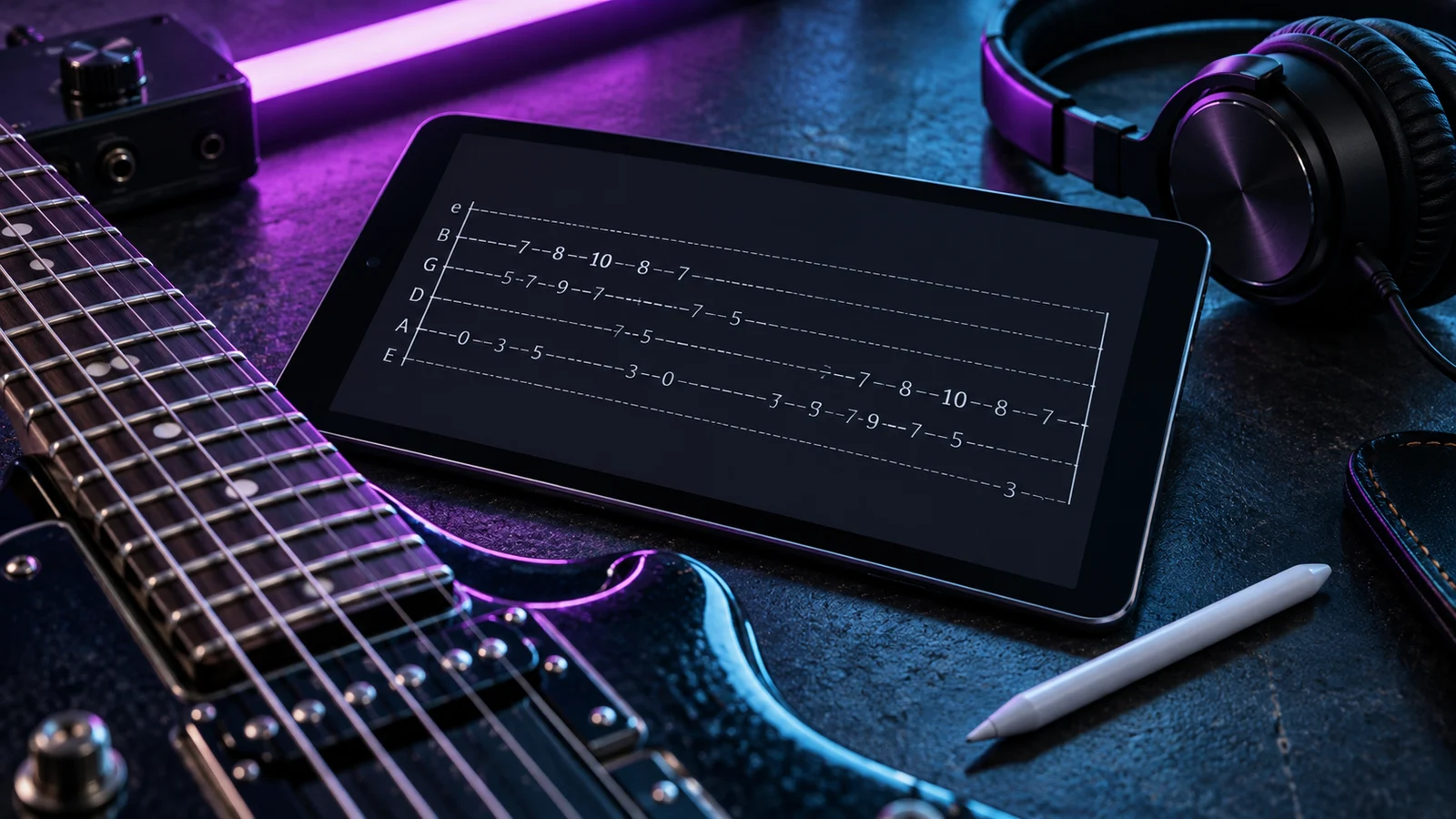
Official sources were reviewed on 16 October 2026. We did not subscribe to paid services, compare transcription accuracy across a sample of songs or test every supported file format. Unverified compatibility and platform details are left for the specific product documentation rather than filled in by assumption. Product selection and practice suggestions are our editorial judgement. The existing hero photograph illustrates learning from tabs and is not a screenshot of a competitor.
About the Author

Michael Apfel
Guitarist & Creator of Riff Quest
Has been playing guitar for 14 years, including time performing live in two bands. Built Riff Quest to solve his own practice-tracking problems, and writes about practice and learning guitar drawing on hands-on experience with the instrument.
Try Riff Quest