Table of Contents
- Why an Online Guitar Lesson Tracker Changes How You Improve
- Best Guitar Practice Apps: Platform-Native vs. Third-Party Trackers
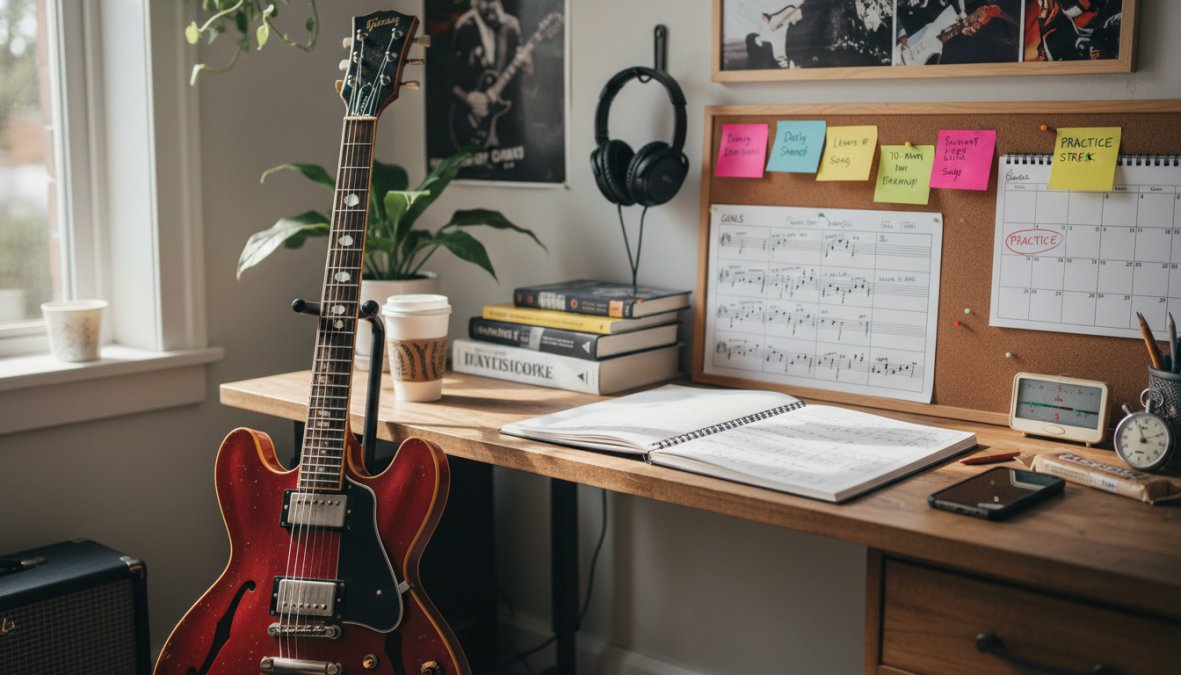
- Guitar Practice Log Template: What to Record Every Session
- How Long Should I Practice Guitar Daily to See Real Progress?
- Guitar Practice Routine for Beginners Using an Online Tracker
- Data-Driven Practice Optimization: Using Your Tracker Smarter
- How to Choose the Right Online Guitar Lesson Tracker for Your Goals
- Conclusion
Last Updated: May 24, 2026
Most guitarists quit not because they lack talent, but because they can't see their own progress. Using an online guitar lesson tracker changes that equation completely, turning vague "I practiced today" sessions into a clear picture of where your skills actually stand. This guide from Riff Quest breaks down the best tracking tools available in 2026, explains exactly what to log every session, and shows you how to use your data to practice smarter, not longer. Below, we'll show you exactly how to build a system that closes skill gaps and keeps you playing consistently.
Here's what most guides get wrong: they treat tracking as an afterthought, something you bolt onto a practice routine after the fact. The best players treat it as the foundation. A structured practice log tells you which techniques are improving, which songs are stuck in neutral, and whether your daily practice time is actually producing results.
Why an Online Guitar Lesson Tracker Changes How You Improve
Progress without measurement is just hope. An online guitar lesson tracker is a system, whether app-based or platform-native, that records what you practice, how long you practice it, and how your accuracy or speed changes over time. Without one, most guitarists repeat the same comfortable habits and wonder why they plateau.
According to research on deliberate practice in skill acquisition, the difference between casual practice and structured improvement comes down to targeted feedback loops. Tracking creates exactly that feedback loop for guitarists.
The Problem With Practicing Without a Progress Log
Most casual players run through the same chord charts and song tutorials they already know. It feels productive. It isn't. Without a practice log, there's no record of which technique exercises you've avoided, which songs have been "in progress" for three months, or whether your BPM on a particular scale run has moved at all.
The result: slow improvement that feels like a talent ceiling. It's not a ceiling. It's a data problem.
Practicing without logging is the single most common reason intermediate players stagnate. If you can't point to specific milestones you've hit this month, you're likely repeating comfortable material instead of closing real skill gaps.
How Tracking Turns Casual Sessions Into Measurable Growth
A practice log forces specificity. Instead of "I practiced for an hour," you record: 20 minutes on chord transitions, 15 minutes on a specific song tutorial, 10 minutes on music theory, and 15 minutes on jam tracks. That specificity reveals patterns. You'll notice you avoid technique exercises. You'll see that your song library hasn't grown in six weeks. You'll find the exact BPM where your picking accuracy breaks down.
That's not discouraging. That's a roadmap.
Best Guitar Practice Apps: Platform-Native vs. Third-Party Trackers
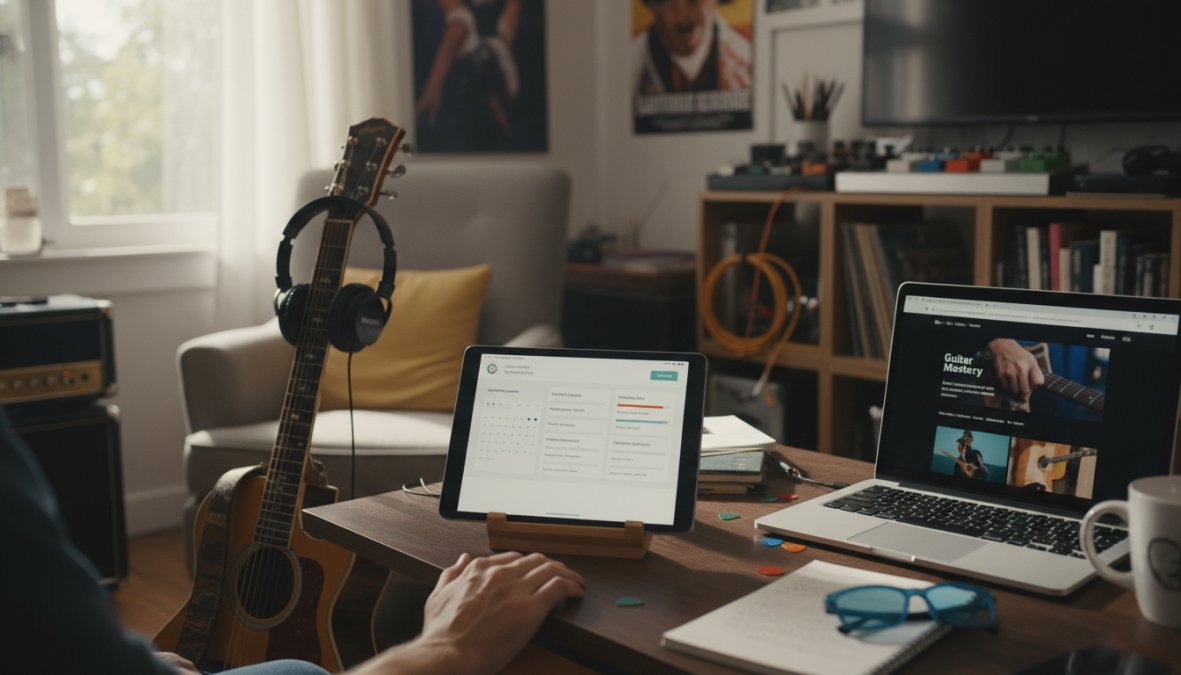
The tracker market splits cleanly into two categories: platforms that teach guitar and include tracking as a built-in feature, and dedicated logging apps that work alongside whatever lessons you're already taking. Neither is universally better. The right choice depends on whether you want an integrated learning path or the freedom to track any practice, anywhere.
Here's a quick comparison before we go deeper:
| Tool | Price | Best For | Tracking Type |
|---|---|---|---|
| Riff Quest | Free | Gamified skill tracking | Platform-native + detailed stats |
| AxeLog | Free (IAP) | Journal-style logging | Dedicated third-party |
| Gibson App | Freemium | Granular skill breakdown | Platform-native |
| Yousician | Free/Subscription | Beginners needing feedback | Platform-native |
| Modacity | Freemium | Deliberate practice focus | Dedicated third-party |
| Instrumentive | From $1.99/mo | Teacher accountability | Dedicated third-party |
Riff Quest: Free Progress Tracking With Gamified Skill Levels
Riff Quest is the top pick for most guitarists who want a structured environment without paying for it. The platform is free forever for progress tracking, which immediately separates it from the subscription-heavy competition. What makes it genuinely different is the combination of a detailed stats dashboard, 144 built-in technique exercises with animated Guitar Pro tablature, and a points-and-ranking system that functions like Guitar Hero for real guitar practice.
The song library is community-rated rather than algorithm-driven, which means the most useful songs surface to the top based on real player feedback. You can also import your own Guitar Pro files with color-coded tabs synced to audio, so your existing learning material integrates directly into the tracker.
Best for: Players who want visible, measurable progress without a monthly fee and enjoy game-style motivation to maintain daily streaks.
AxeLog: A Journal-Style Practice Log for Serious Players
AxeLog takes a different approach entirely. Rather than teaching you guitar, it gives you a structured journal to record everything you're already doing. Five session types (Freeform, Technique, Song Work, Jamming, or Planned) let you categorize practice accurately. The personal song library tracks each piece from "Learning" through to "Mastered," which is genuinely satisfying to watch fill up over months.
The built-in tuner, metronome, and drum machine mean you don't need to switch apps mid-session. The honest limitation: it's currently iOS-only, so Android users are out of luck.
Yousician and Gibson App: Built-In Trackers on Learning Platforms
Yousician uses real-time audio recognition to grade your playing as you practice, then logs that performance data automatically. The gamified interface with streaks and badges keeps beginners engaged, and the structured learning paths cover lead, rhythm, and music theory in sequence. The trade-off is that Yousician's tracking only reflects what happens inside its own ecosystem.
The Gibson App tracks approximately 270 discrete guitar skills, from specific chord shapes to rhythmic techniques, with post-session analytics that highlight strengths and weaknesses. For guitarists who want granular data on technical improvement, the skill breakdown is genuinely impressive. The weakness is a heavy focus on isolated skills over song repertoire.
Modacity and Instrumentive: Deliberate Practice and Teacher Sharing
Modacity is built around the concept of deliberate practice: structured, focused repetition with specific improvement goals rather than passive run-throughs. The in-session audio recording and playback let you hear exactly where your timing breaks down. The steeper learning curve makes it less ideal for beginners, but for intermediate players serious about technique, it's one of the most effective tools available.
Instrumentive sits at $1.99 per month and earns its price through one specific feature: data export for sharing progress with teachers. If you're taking instructor-led lessons and want your teacher to see exactly how many sessions you've completed and what you've worked on, Instrumentive handles that workflow better than anything else on this list.
Guitar Practice Log Template: What to Record Every Session
A guitar practice log template doesn't need to be complicated. The goal is consistency, not comprehensiveness. But there's a critical difference between logging as a diary and logging as a diagnostic tool, and that difference is what separates players who use a tracker and still plateau from players who use a tracker and keep moving.
Record these fields every session:
- Date and duration, Total practice session length in minutes
- Session type, Technique exercises, song work, music theory, or free play
- Specific items practiced, Name the exact exercises, chord charts, or song tutorials
- BPM or accuracy marker, A number you can compare next session; without a number, you have an opinion, not a data point
- What felt difficult, One honest note on where you struggled
- Next session priority, What to focus on next time
That's the minimum. Six fields, filled in honestly, create a practice log that reveals patterns within two weeks. But the real value unlocks when you treat those fields as inputs to a diagnostic process, not just a record.
How to Use Your Log to Detect Plateaus Before They Demotivate You
A plateau isn't a talent ceiling. It's a data pattern. It shows up in your log before you consciously feel it, usually as a BPM or accuracy marker that hasn't moved in three or more consecutive sessions on the same exercise. When you can see that number stalling in writing, you can respond to it immediately rather than grinding through the same session for another two weeks wondering why nothing is improving.
The diagnostic process works like this:
- Identify the stall: If the same BPM target appears in your log for five sessions without increasing, that exercise is in a plateau.
- Diagnose the cause: Check your "what felt difficult" notes from those sessions. A consistent pattern, always the same chord transition, always the same beat in the bar, tells you the problem is technical, not motivational.
- Adjust the input, not the effort: The most common mistake is practicing harder on a plateau. The correct response is practicing differently. Drop the BPM by 10-15% and rebuild with deliberate attention to the specific breakdown point your notes identified. Most practitioners find this resets progress within a week.
- Log the intervention: Record that you deliberately reduced BPM and why. This creates a before/after comparison that makes the eventual improvement visible and reinforces the behavior.
If your BPM marker on a core technique exercise hasn't moved in two weeks, do not increase practice time on that exercise. Increase specificity instead. Your log should tell you exactly where in the exercise the breakdown occurs, use that note to isolate and drill the two-bar problem section rather than repeating the full exercise.
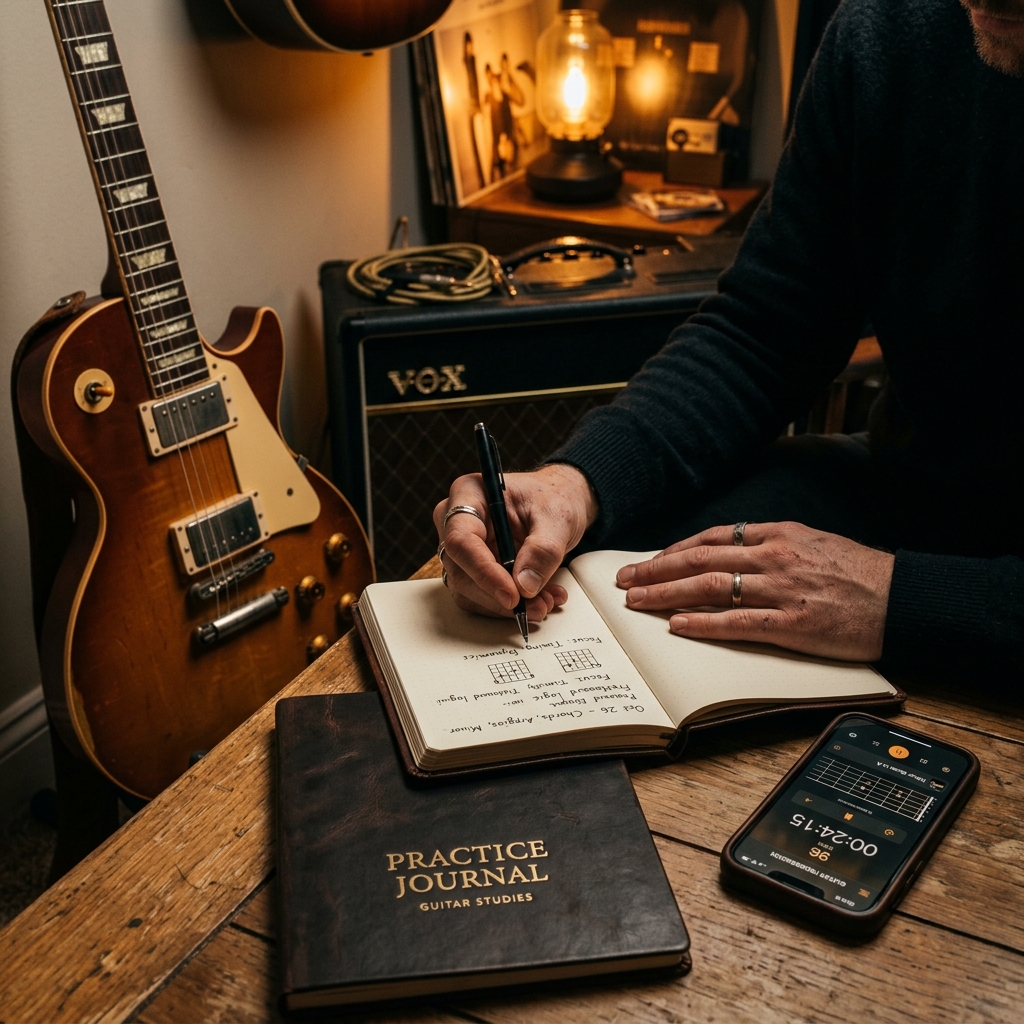
Digital Log vs. Physical Practice Journal: Which Works Better?
Digital logs win on analytics. Physical journals win on retention and reflection. The honest answer is that the best practice log is the one you'll actually use every day, but treating this as an either/or decision is the most common setup mistake serious players make.
research on handwriting and memory consolidation suggests that writing by hand engages different cognitive processing than typing, which means your physical notes about technique problems are more likely to consolidate into memory before your next session. The implication for guitar practice is concrete: the qualitative observations, "my ring finger collapses on the G string at faster tempos," "the transition from Dm to G feels rushed", are better captured by hand, while the quantitative data (BPM, session minutes, streak count) belongs in your digital tracker where it can be graphed and compared.
How to Integrate a Paper Journal With Your Online Tracker
The most effective system uses both layers deliberately, not interchangeably. Here's the exact workflow:
During the session: Use your digital tracker to log time, BPM, and session type in real time. Don't interrupt playing to write prose.
After the session (60 seconds): Open a physical notebook and write one to two sentences answering: What surprised me today, and what do I want to remember before the next session? This is not a summary of what you practiced, your digital log handles that. This is the qualitative texture the numbers miss: the feeling of a chord transition clicking for the first time, the specific fingering adjustment that helped, the frustration that signals you're at the edge of your current ability.
Weekly review (5 minutes): Open both. Look at your digital dashboard for the quantitative pattern, which categories got time, which BPM markers moved, where the streak broke. Then read your physical notes from the same week. The combination reveals things neither source shows alone. A week where your BPM on pentatonic runs improved but your physical notes say "felt mechanical, no feel" is a different kind of week than one where both the numbers and the notes show forward movement.
Date every physical journal entry and use the same exercise names you use in your digital tracker. When you review both together, matching entries by name and date takes seconds instead of guesswork. Consistency in naming is the bridge between your analog and digital systems.
This dual-layer approach is the content gap most tracking guides miss entirely. Every competitor focuses on digital tools. The players who improve fastest are the ones who use digital data to see what is happening and handwritten reflection to understand why, and who build a weekly habit of reading both together.
How Long Should I Practice Guitar Daily to See Real Progress?
Most beginners see measurable progress with 20 to 30 minutes of focused daily practice. This is more effective than a single two-hour session on weekends. But that advice, repeated across hundreds of guitar blogs, misses the more useful question: how does your specific tracker data tell you whether your current practice duration is working for you?
The answer isn't a universal number. It's a ratio, and your log reveals it within four to six weeks.
The Practice Efficiency Ratio: What Your Data Actually Shows
After four to six weeks of consistent logging, your stats dashboard will surface a pattern most players never think to look for: the relationship between time invested in a specific practice category and the rate of measurable improvement in that category.
Here's how to read it:
- Technique exercises with BPM logging give you the clearest signal. If you're spending 10 minutes per session on a scale exercise and your BPM has increased by 8-10 points over four weeks, that's a productive ratio. If you're spending 20 minutes and the BPM hasn't moved, more time is not the variable to adjust, technique specificity is.
- Song work is harder to quantify but your "what felt difficult" notes create a proxy metric. If the same section of the same song appears in your notes three sessions in a row, you're spending time on the song without isolating the problem bar. That's a duration problem masquerading as a difficulty problem.
- Music theory and ear training show the slowest short-term BPM gains but produce the largest long-term acceleration in song learning speed. Players who log zero theory time for six weeks and then wonder why new songs take longer to learn are seeing this ratio play out.
At your four-week mark, export or screenshot your time distribution breakdown. Calculate the percentage of total practice time going to technique exercises versus song tutorials versus theory. Most players who feel stuck discover they're spending more than 70% of their time on song tutorials, material that feels productive but doesn't build the underlying skills that make new songs easier to learn.
Using Your Tracker's Data to Optimize Practice Time
The most actionable use of your tracker isn't the streak counter or the points total. It's the time distribution view read against your BPM trend lines.
A common pattern: a player logs 30 minutes daily for six weeks, feels like they're working hard, and notices their playing hasn't changed much. When they look at the time distribution, technique exercises account for fewer than five minutes per session. The remaining 25 minutes went to running through songs they already know. The tracker doesn't lie, the practice felt productive because familiar material is comfortable, not because it was closing skill gaps.
The fix is structural, not motivational:
- Set a category floor, not just a total duration. Decide the minimum weekly minutes for technique exercises and theory before allocating time to song work. A reasonable starting floor for intermediate players is 40% of total practice time on technique and theory combined.
- Use your BPM trend as the primary progress signal. If a technique exercise BPM hasn't moved in two weeks, that exercise needs a method change, not more minutes.
- Track song completion separately from song practice. Logging that you practiced a song is different from logging that you can play it cleanly from start to finish. Add a status field, Learning, Consolidating, Performance-Ready, so your log distinguishes between active skill-building and maintenance repetition.
The Plateau Signal Hidden in Your Session Length Data
One underused data point in most trackers is session length variance. When players are engaged and improving, session lengths tend to be consistent or slightly longer than their target. When players are plateauing or losing motivation, session lengths quietly shrink, often by five to ten minutes per session, before the player consciously registers that anything is wrong.
If your logged session durations have been trending shorter over the past two weeks, treat that as an early warning signal, not a discipline problem. Cross-reference it with your BPM trend data. A shrinking session length combined with a stalled BPM on a core exercise is the clearest early indicator of a plateau, and it's visible in your log before it becomes a motivation crisis.
The response is a deliberate reset: drop practice duration to a shorter, fully focused block (15 minutes with a specific goal logged before you start), change the technique exercise you've been repeating, and add one new song to your active learning list. Most practitioners find that novelty in the practice material restores both session length and BPM progress within a week.
The optimal daily practice duration is less important than the ratio of deliberate technique work to comfortable repetition. Your tracker's time distribution data answers the real question, not how long you practiced, but whether the time you spent was actually building new skills or reinforcing ones you already have.
Guitar Practice Routine for Beginners Using an Online Tracker
A guitar practice routine for beginners should follow a consistent structure that prevents the two most common failure modes: skipping technique work because it's boring, and never moving beyond the first few songs learned.
Here's a starter routine built around tracker-friendly segments:
- Warm-up (5 minutes): Chromatic exercises or simple chord transitions at slow BPM
- Technique focus (10 minutes): One specific exercise from your tracker's library, logged with BPM
- Song work (10 minutes): Active learning on one song in your repertoire, not a song you already know
- Free play (5 minutes): Unstructured playing to keep practice enjoyable
Total: 30 minutes. Log every segment.
Skill Level Assessment: Finding Your Starting Point
Before building a structured curriculum, you need an honest skill level assessment. Most platforms handle this with an onboarding quiz or a short playing test. The assessment places you on a learning pathway that matches your current abilities rather than dropping you into beginner lessons you've outgrown or advanced material that's demotivating.
A useful self-assessment covers: open chord accuracy, basic strumming patterns, ability to read guitar tabs, familiarity with music theory fundamentals, and whether you can play a complete song from start to finish without stopping.
Building a Structured Curriculum From Chord Charts to Technique Exercises
The word "structured" matters here. A structured curriculum has a clear sequence: foundational chord charts first, then chord transitions, then rhythm patterns, then simple song tutorials, then technique exercises that build toward more complex material. Without sequence, beginners jump between topics and develop uneven skill sets with obvious gaps.
Riff Quest's built-in exercise library provides exactly this kind of structured progression, with 144 technique exercises organized by difficulty and animated tablature that shows you what correct technique looks like before you attempt it. The community-rated song library then gives you real material to apply those techniques to, rated by players who've actually worked through each piece.
Data-Driven Practice Optimization: Using Your Tracker Smarter
Most players use their tracker as a diary. The best players use it as a diagnostic tool. There's a significant difference between logging that you practiced and analyzing what that practice data tells you about your learning trajectory.
As documented in research on feedback loops in motor skill learning, structured feedback after practice sessions accelerates skill acquisition compared to practice without performance review. Your tracker's analytics dashboard is that feedback mechanism.
Reading Your Stats Dashboard to Close Skill Gaps
Your stats dashboard will typically show time distribution across practice categories, streak data, and improvement trends on specific exercises. The most valuable view is the one most players ignore: the breakdown of where time is NOT being spent.
Skill gaps don't announce themselves. They hide in the sections of your dashboard that show zero activity for two weeks. If your music theory column is empty, that's not a coincidence. It's a pattern. Set a weekly minimum for each practice category and use the dashboard to enforce it.
Setting Learning Milestones and Personalizing Your Learning Path
Learning milestones are specific, measurable targets: play a chord transition cleanly at 80 BPM, complete a song tutorial from start to finish without stopping, maintain a 14-day practice streak. Vague goals like "get better at guitar" produce vague results.
A personalized learning path built around milestones gives your tracker something concrete to measure against. Most platforms let you set these goals explicitly. Use that feature. Players who set specific milestones and review them weekly progress significantly faster than those who practice without defined targets, because the milestone creates a clear endpoint that casual practice lacks.
How to Choose the Right Online Guitar Lesson Tracker for Your Goals
The right tracker depends on three variables: your current skill level, whether you're taking instructor-led lessons, and how much you want gamification to drive your motivation.
- Complete beginners who need immediate feedback on whether they're playing correctly: Yousician's real-time audio recognition is the most forgiving entry point.
- Self-directed learners who want free, structured progress tracking with gamified motivation: Riff Quest handles this better than any paid alternative, with a stats dashboard that shows exactly where time is invested and a points system that makes daily practice genuinely engaging.
- Students with a teacher: Instrumentive's export functionality makes sharing your practice log with an instructor straightforward.
- Serious intermediate players focused on deliberate technique improvement: Modacity's structured practice methodology produces the most targeted skill development.
- iOS users who want a journal-style log: AxeLog's session categories and song library management are the cleanest implementation of the dedicated logging approach.
The comparison of third-party tracking apps versus platform-native tools comes down to flexibility versus integration. Third-party apps like AxeLog and Modacity work with any lesson source, including YouTube tutorials, physical teachers, or on-demand lessons from multiple platforms. Platform-native trackers like the Gibson App or Yousician only see what happens inside their own ecosystem. If your learning is spread across multiple sources, a dedicated third-party tracker gives you a more complete picture.
According to music education research on practice habit formation, consistent daily practice with structured feedback produces faster skill development than longer, less frequent sessions without performance review, which is the core argument for using any tracker at all over practicing without one.
Inconsistent practice and invisible progress are the two reasons most guitarists stop improving before they reach their potential. Riff Quest addresses both directly: the free progress tracking dashboard shows exactly where your time goes and how your skills are developing, the 144 built-in technique exercises with animated tablature give you structured material to work through, and the points and ranking system makes showing up daily feel rewarding rather than obligatory. Start My Guitar Progress at Riff Quest and turn your next practice session into measurable improvement.
Frequently Asked Questions
Why should I use an online guitar lesson tracker instead of just practicing freely?
An online guitar lesson tracker transforms vague practice sessions into measurable progress. Without one, it's easy to repeat comfortable skills while neglecting real skill gaps. A tracker logs your practice routine, highlights weak areas like music theory or technique exercises, and shows daily progress over time. Platforms like Riff Quest even use a stats dashboard to reveal exactly where your time is going, helping you build consistent habits and move from beginner to master more efficiently.
What features should I look for in a guitar lesson tracker?
Look for progress tracking across songs and techniques, a skill level assessment tool, personalized learning paths, and a song library you can manage. Useful extras include jam tracks, guitar tabs, chord charts, and on-demand lessons. For data-driven practice optimization, prioritize platforms with a detailed stats dashboard. Riff Quest offers all of these free, while apps like AxeLog add a metronome and tuner. The best tracker is one you'll actually use every single practice session.
Is a digital guitar practice log better than a paper journal?
Both have genuine advantages. A digital online guitar lesson tracker automates data collection, generates progress reports, and syncs across devices. A physical practice journal encourages deeper reflection and has zero screen distractions. The most effective approach for many guitarists is combining both: log structured data digitally for your guitar practice routine, then write brief notes in a paper journal after each session about what felt difficult or clicked. This hybrid method reinforces learning milestones more effectively than either alone.
How long should I practice guitar daily as a beginner?
For a guitar practice routine for beginners, 20 to 30 focused minutes daily typically outperforms occasional two-hour sessions. Consistency matters far more than duration. Use your guitar practice log to track streaks and session length over time. Once your tracker shows you're hitting daily goals reliably, gradually extend sessions to 45 minutes. Riff Quest's streak and points system is specifically designed to reinforce this kind of consistent daily habit without overwhelming new players.
Are there free online tools for tracking guitar lessons?
Yes. Riff Quest is free forever for core progress tracking, offering 144 built-in technique exercises with animated tabs, a community-rated song library, and a full stats dashboard. GuitarGym and Music Routine also offer free browser-based or app-based tools. Yousician and the Gibson App have free tiers with limited features. For a simple guitar practice log template approach, the Guitar Practice Planner app on iOS is also free. Most guitarists can get strong results without spending anything.
Can a guitar practice tracker help me stay motivated long-term?
Absolutely. Seeing measurable progress is one of the strongest motivators in music education. Trackers that show learning milestones, practice streaks, and skill level improvements give you tangible proof you're advancing. Riff Quest uses a gamified points and ranking system, similar to Guitar Hero but on a real guitar, which makes daily progress feel rewarding. Even a simple guitar practice log that records completed song tutorials builds momentum by making your improvement visible over weeks and months.